

Logging In
Sign in to NemoRouter with a password, an email magic link, phone OTP, or enterprise SSO
Last updated
NemoRouter offers several ways to sign in. Pick whichever fits your security posture — they all land you in the same dashboard.
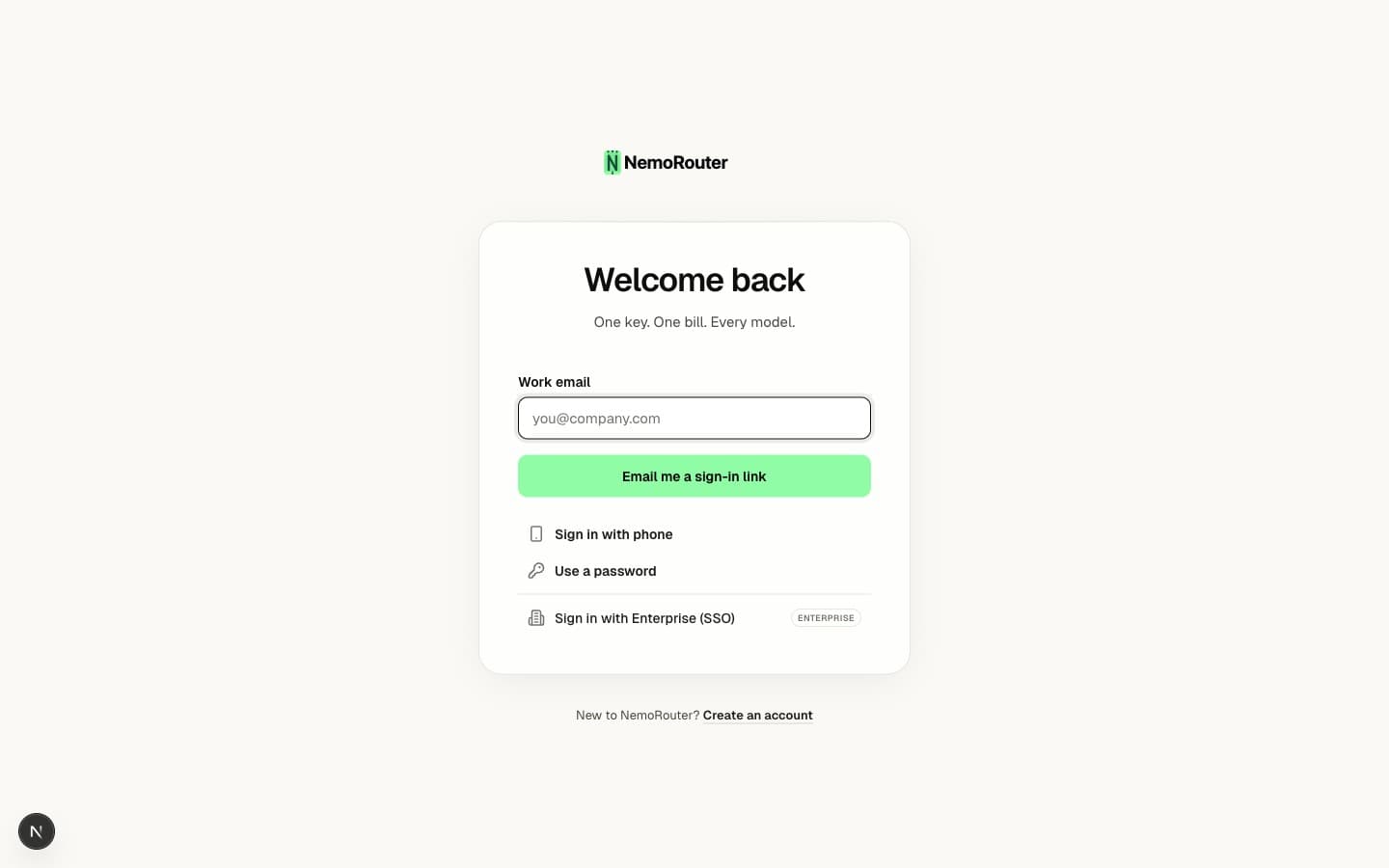
Sign-in methods
The login page at /login has a tab for each method:
| Method | What you provide | Notes |
|---|---|---|
| Email + password | Your email and password | The classic flow. Password must meet the minimum-length policy (at least 8 characters). |
| Email magic link | Just your email | We email you a one-time sign-in link (valid for 1 hour). No password needed. |
| Phone OTP | Your mobile number | Available only when phone sign-in is enabled. We text you a code. See Phone Verification. |
| Enterprise SSO | Your work email | Redirects to your organization's identity provider (SAML/OIDC). |
For privacy, the magic-link and phone flows always say "if an account exists, we've sent a link/code" — they never reveal whether an email or number is registered.
Failed attempts & lockout
To protect your account, repeated failures are throttled:
- After several failed password attempts you'll hit a short cooldown (about 30 seconds) before you can try again.
- After repeated cooldown cycles, the password tab is disabled and you're nudged toward the magic-link, phone, or SSO methods instead.
- A CAPTCHA appears after a few failed attempts and must be solved before the form submits.
All authentication failures return the same generic "Invalid email or password" message — this is deliberate, so an attacker can't tell a wrong password from a non-existent account.
Two-factor authentication
If you've enrolled an authenticator app, you'll be prompted for a 6-digit code after your password is accepted. See Two-Factor Authentication to set it up.
Where you land after signing in
NemoRouter resolves your organization membership and sends you straight to your dashboard at /{your-org-slug}. If you haven't finished onboarding yet, you're routed to the onboarding flow to pick a plan and create your first key.
Trouble signing in?
| Symptom | Fix |
|---|---|
| Password is correct but rejected | Confirm it meets the minimum-length policy (at least 8 characters); older passwords below the policy must be reset. |
| "Too many login attempts" | Wait for the cooldown, or use the email magic-link tab instead. |
| Never received the magic link | Check spam; links expire after 1 hour — request a fresh one. |
| SSO loops back to login | Your work email may not be mapped to an SSO connection yet — contact your org admin. |
Next steps
- Passwords & Reset — Change or recover your password
- Two-Factor Authentication — Add a second factor
- Phone Verification — Link and verify a mobile number