

Quick Start
Make your first API call in under 2 minutes
Last updated
Make your first Nemo Router API call in under 2 minutes. Nemo Router is OpenAI-compatible, so you can use any existing OpenAI SDK or plain HTTP requests.
Prerequisites
Before you begin, make sure you have:
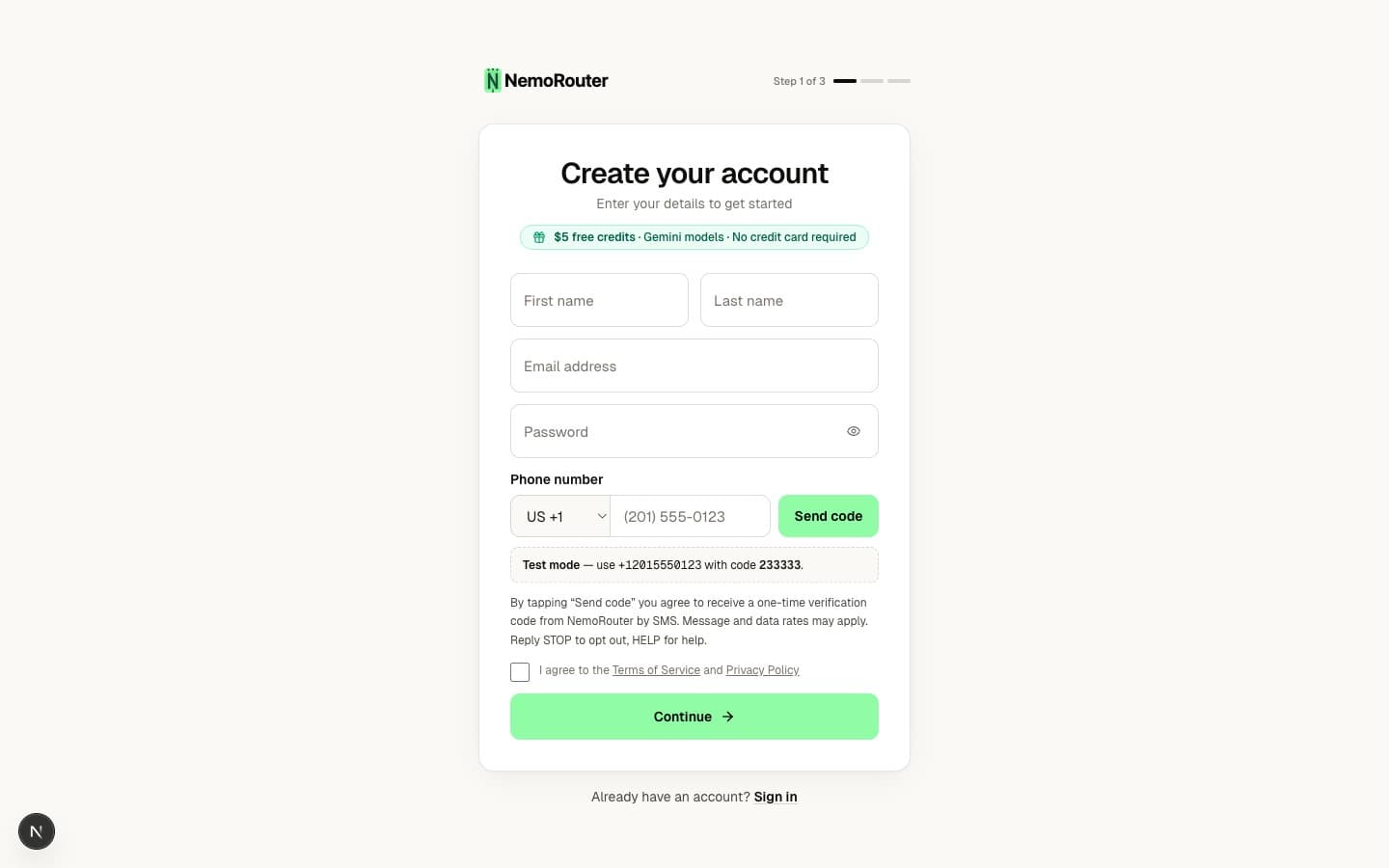
- A Nemo Router account — sign up here
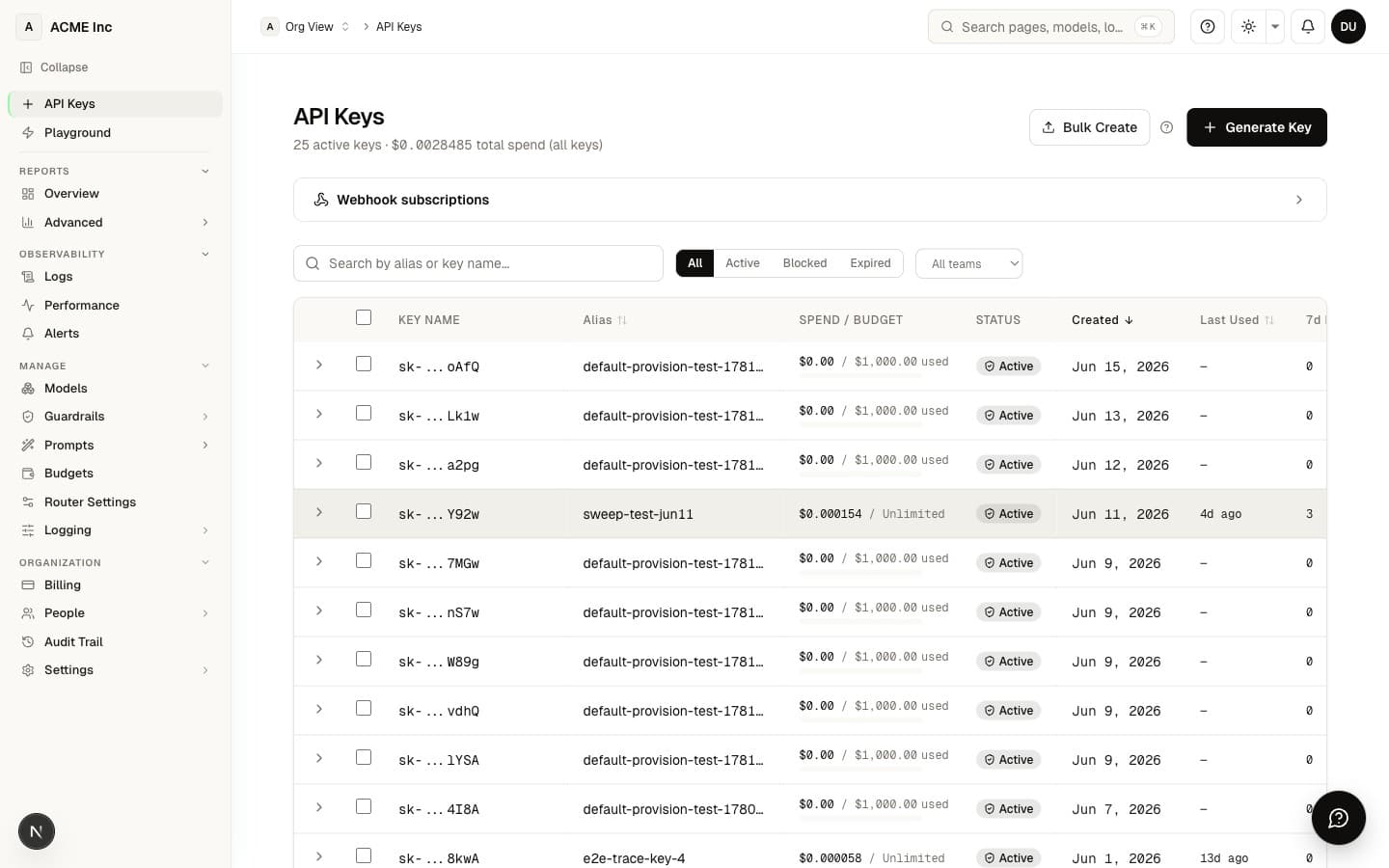
- An API key from your dashboard's API Keys page
- Credits in your account (new accounts start with a trial balance)
Set your API key as an environment variable:
export NEMOROUTER_API_KEY="sk-nemo-your-key-here"cURL
The simplest way to test Nemo Router is with cURL:
curl https://api.nemorouter.ai/v1/chat/completions \
  -H "Authorization: Bearer $NEMOROUTER_API_KEY" \
  -H "Content-Type: application/json" \
  -d '{
    "model": "gemini-2.5-flash",
    "messages": [
      {
        "role": "system",
        "content": "You are a helpful assistant."
      },
      {
        "role": "user",
        "content": "What is Nemo Router?"
      }
    ],
    "temperature": 0.7,
    "max_tokens": 256
  }'
You should receive a JSON response with the model's completion:
{
  "id": "chatcmpl-abc123",
  "object": "chat.completion",
  "created": 1709251200,
  "model": "gemini-2.5-flash",
  "choices": [
    {
      "index": 0,
      "message": {
        "role": "assistant",
        "content": "Nemo Router is an enterprise LLM gateway..."
      },
      "finish_reason": "stop"
    }
  ],
  "usage": {
    "prompt_tokens": 25,
    "completion_tokens": 48,
    "total_tokens": 73
  }
}
Python
Install the OpenAI Python SDK:
pip install openaiUse it with Nemo Router by setting the base_url:
from openai import OpenAI

client = OpenAI(
    api_key="sk-nemo-your-key-here",  # or use NEMOROUTER_API_KEY env var
    base_url="https://api.nemorouter.ai/v1",
)

response = client.chat.completions.create(
    model="gemini-2.5-flash",
    messages=[
        {"role": "system", "content": "You are a helpful assistant."},
        {"role": "user", "content": "What is Nemo Router?"},
    ],
    temperature=0.7,
    max_tokens=256,
)

print(response.choices[0].message.content)
Streaming
To stream the response token by token:
stream = client.chat.completions.create(
    model="gemini-2.5-flash",
    messages=[
        {"role": "user", "content": "Write a haiku about APIs."},
    ],
    stream=True,
)

for chunk in stream:
    if chunk.choices[0].delta.content is not None:
        print(chunk.choices[0].delta.content, end="")
Node.js / TypeScript
Install the OpenAI Node.js SDK:
npm install openaiUse it with Nemo Router:
import OpenAI from "openai";

const client = new OpenAI({
  apiKey: process.env.NEMOROUTER_API_KEY,
  baseURL: "https://api.nemorouter.ai/v1",
});

async function main() {
  const response = await client.chat.completions.create({
    model: "gemini-2.5-flash",
    messages: [
      { role: "system", content: "You are a helpful assistant." },
      { role: "user", content: "What is Nemo Router?" },
    ],
    temperature: 0.7,
    max_tokens: 256,
  });

  console.log(response.choices[0].message.content);
}

main();
Streaming
const stream = await client.chat.completions.create({
  model: "gemini-2.5-flash",
  messages: [
    { role: "user", content: "Write a haiku about APIs." },
  ],
  stream: true,
});

for await (const chunk of stream) {
  const content = chunk.choices[0]?.delta?.content;
  if (content) {
    process.stdout.write(content);
  }
}
Try a Different Model

One of Nemo Router's key benefits is switching models with a single line change. Just update the model field:
# Most intelligent — top-tier reasoning + 1M context
response = client.chat.completions.create(model="gemini-2.5-pro", messages=messages)

# Fast, cost-efficient general-purpose
response = client.chat.completions.create(model="gemini-2.5-flash", messages=messages)

# Cheapest, fastest — high-throughput classification & extraction
response = client.chat.completions.create(model="gemini-2.5-flash-lite", messages=messages)
No provider keys, no SDK changes, no configuration. Just change the model name. Anthropic, Google, and OpenAI models are live today — browse the full list of 78+ live models on the Models page. AWS Bedrock is shipping next, with Meta and Mistral on the roadmap.
What's Next?
- Authentication — Learn about API key management and security
- Chat Completions API — Full API reference with all parameters
- Embeddings API — Generate vector embeddings
- Python SDK — In-depth Python guide
- Node.js SDK — In-depth Node.js guide