Your credit balance is not a number we store and adjust — it's the running total of a ledger, where every movement of value is a row. That design choice has a practical payoff for you: every cent is explainable. When you wonder "where did that $4.12 go," the answer is a query against the ledger, not a guess. This guide is how to read it.
The balance is the ledger, summed
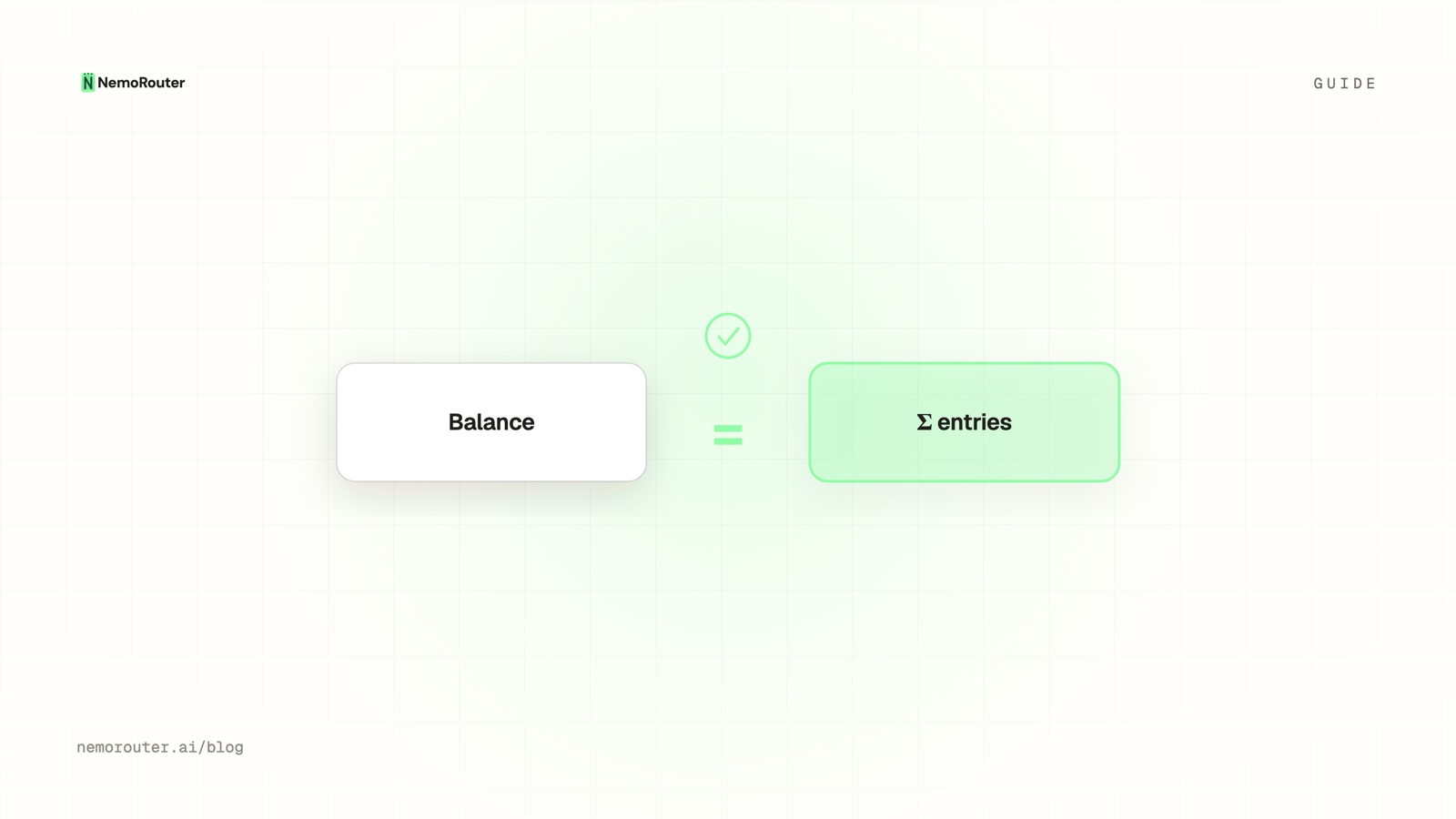
The core idea: balance == sum of all ledger entries. The balance is derived, the ledger is the truth. Every reservation, settlement, release, top-up, and fee is an entry, and they always sum to your current balance — an invariant we check continuously.
ledger (chronological)                          running balance
+ top-up            +$100.00                    $100.00
− reservation        −$0.05  (held for a call)   $99.95
+ settlement adj.    +$0.03  (real cost $0.02)   $99.98
− reservation        −$0.05                      $99.93
+ release            +$0.05  (call failed)       $99.98
Read top to bottom and the balance is never a mystery — it's the arithmetic of what happened.
The entry types
Each row has a type that tells you what happened. The five you'll see:
| Type | Sign | Meaning |
|---|---|---|
| Top-up | + | Credits purchased (or auto-topup) |
| Reservation | − | An estimate held before a call ran |
| Settlement | ± | True-up from the estimate to the real cost |
| Release | + | A reservation handed back (call failed/cancelled) |
| Platform fee | (at purchase) | The fee, charged on top — not per call |
The reservation/settlement/release trio comes from the reserve-and-settle pattern: every call reserves an estimate, then either settles to the provider's real cost or releases the hold entirely. So a single successful call usually shows as a reservation followed by a small settlement adjustment.
Why you see a reservation AND a settlement per call
A call first reserves its maximum plausible cost, then settles to the actual cost once known, releasing the difference. So one call is often two entries: the hold and the true-up. This isn't double-counting — net of the pair is exactly the call's real cost. It's the mechanism that keeps spend caps exact under concurrency.
Reconciling the ledger to your bill
Because every entry is the provider's authoritative cost (for settlements) or a real transaction (for top-ups/fees), the ledger reconciles exactly to what you paid and spent:
sum(top-ups)              = what you purchased
sum(settlements net of    = what inference actually cost
    reservations/releases)
current balance           = sum of everything = what's left
There's no drift between "what the dashboard says" and "what the bill says," because they're the same ledger. If you attribute spend with tags, the per-tag sums roll up from these same entries — so a customer's cost, a feature's cost, and your total all trace to one source.
Spotting problems in the ledger
The ledger is also a diagnostic. Things to look for:
- A reservation with no matching settlement or release — a leaked hold (your available balance shrank for a call that didn't complete). Rare, and our continuous parity checks catch it, but the ledger is where you'd see it.
- Settlements larger than expected — a model cost more than you thought; cross-check against cost-vs-usage.
- Frequent top-ups — auto-topup firing often; a sign spend spiked.
The takeaway
Your balance isn't a stored number you have to trust — it's the sum of a ledger you can read. Each call shows as a reservation and a settlement (net: the real cost), top-ups and fees are their own entries, and everything reconciles exactly to your bill because every figure is a real transaction or the provider's authoritative cost. When you need to explain a cent, the ledger has the answer. Find it in the billing dashboard.