Every team eventually has the same meeting: the AI bill went up, and nobody can say why. Which feature? Which customer? Which environment? Without attribution, the number is a single opaque total, and the only lever anyone can pull is "use the model less." Tags fix this by turning one bill into a queryable breakdown — and on a gateway, you get them without writing accounting code in your app.
What is a request tag?
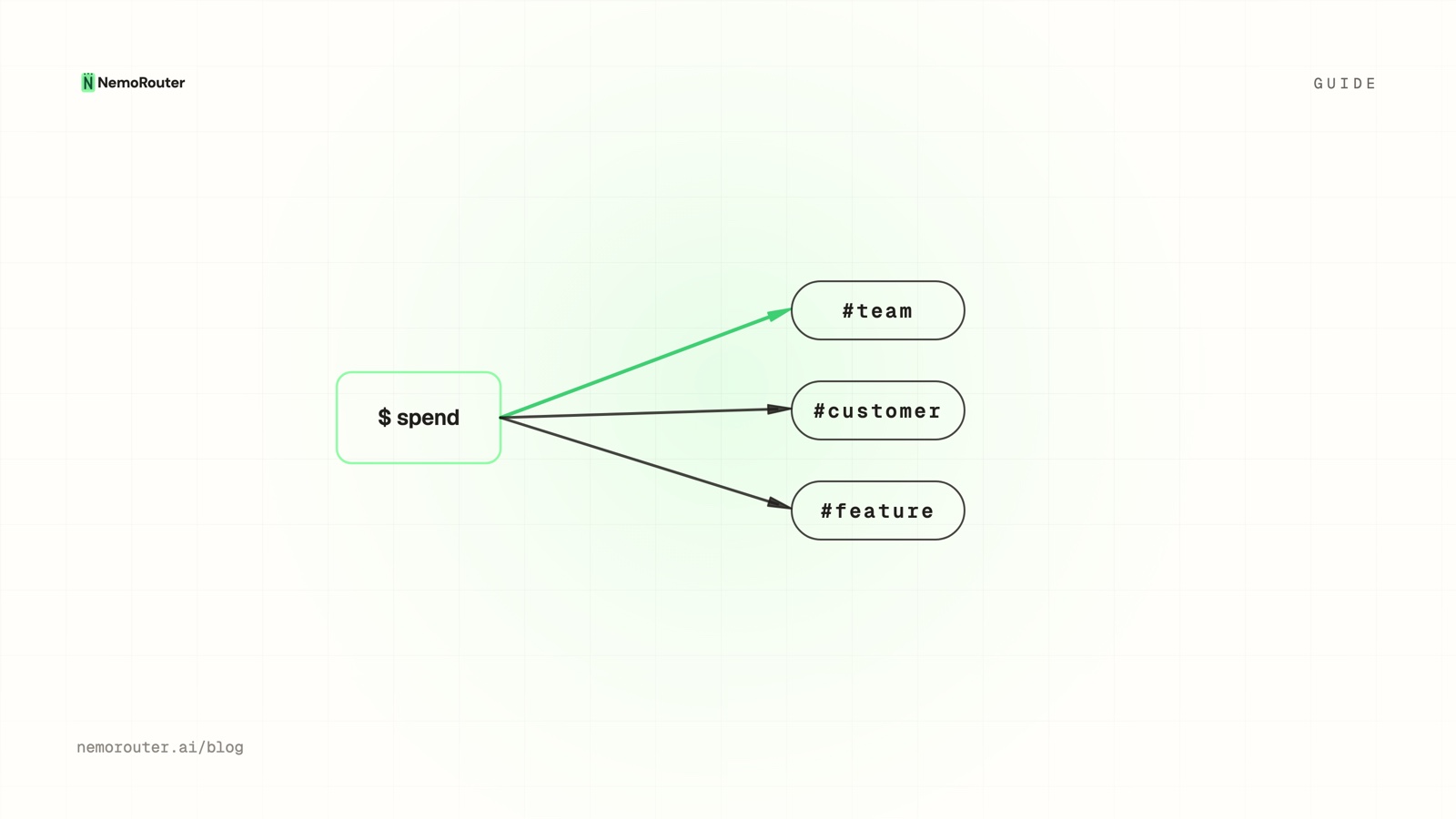
A tag is a key/value label you attach to an LLM request. The gateway records it alongside the call's cost, so spend can later be grouped by any tag dimension you sent:
client.chat.completions.create(
    model="claude-sonnet-4-6",
    messages=[...],
    extra_body={
        "metadata": {
            "tags": ["team:growth", "feature:summarizer", "env:prod", "customer:acme"]
        }
    },
)
That single call now carries four dimensions of attribution. You didn't write a row to a spend table, didn't call a billing API — the gateway captured the provider's authoritative cost and indexed it by your tags.
What should you tag?
Tag the dimensions you'll actually want to slice by. The durable four:
| Tag | Answers | Example values |
|---|---|---|
team | Who owns this spend? | growth, platform, support |
feature | What product surface? | summarizer, chat, autocomplete |
customer | Which tenant? (if you resell) | a customer/org id |
env | Where did it run? | prod, staging, dev |
Resist the urge to tag everything — high-cardinality tags (a unique id per request) make breakdowns noisy and expensive without adding insight. Tag the groupings you'll report on, not the individual events.
Tags describe spend; they don't authorize it
A tag is attribution metadata, not a security boundary. Spend attribution can come from the request body, but spend authorization (whose budget gets charged, which team a key belongs to) always comes from the authenticated key — never from a tag the caller could spoof. Keep the two ideas separate.
Reading the breakdown
Once tagged, spend rolls up in the Advanced → Cost reports. The questions that used to take a data pull become a filter:
- Which feature drove this month's increase? — group by
feature, sort by delta. - What does customer Acme cost us to serve? — filter
customer:acme, read the total. - How much are we burning in staging? — filter
env:staging(often a surprise). - Which team is over its budget? — group by
team, compare to caps.
Because the cost is the provider's settled number, the breakdown sums exactly to the bill. There's no "estimated attribution" that drifts from the real total — every dollar lands in exactly one bucket per tag dimension.
Tags + budgets + agents
Attribution gets especially valuable for agent pipelines, where one user action fans out into many model calls across several steps. Tagging each step with the same customer and feature lets you answer "what did this one agent run cost" by summing the tagged calls — the foundation of per-customer pricing for an AI product. (We cover the pipeline case in multi-agent cost tracking.)
Pair tags with budgets: attribute spend by team to see it, then cap each team's key to bound it. Attribution tells you where the money goes; budgets stop it going too far.
The takeaway
"The AI bill went up" should be a query, not a meeting. Tag requests by the dimensions you report on — team, feature, customer, env — and the gateway turns a single opaque total into a breakdown that sums exactly to the bill, with zero accounting code in your app. Start in the Cost reports and slice from there.