A single misconfigured agent loop can call an LLM thousands of times a minute. A leaked virtual key can do the same from the open internet. In both cases the damage is measured in dollars per minute, and you usually find out when the invoice arrives — long after the money is gone.
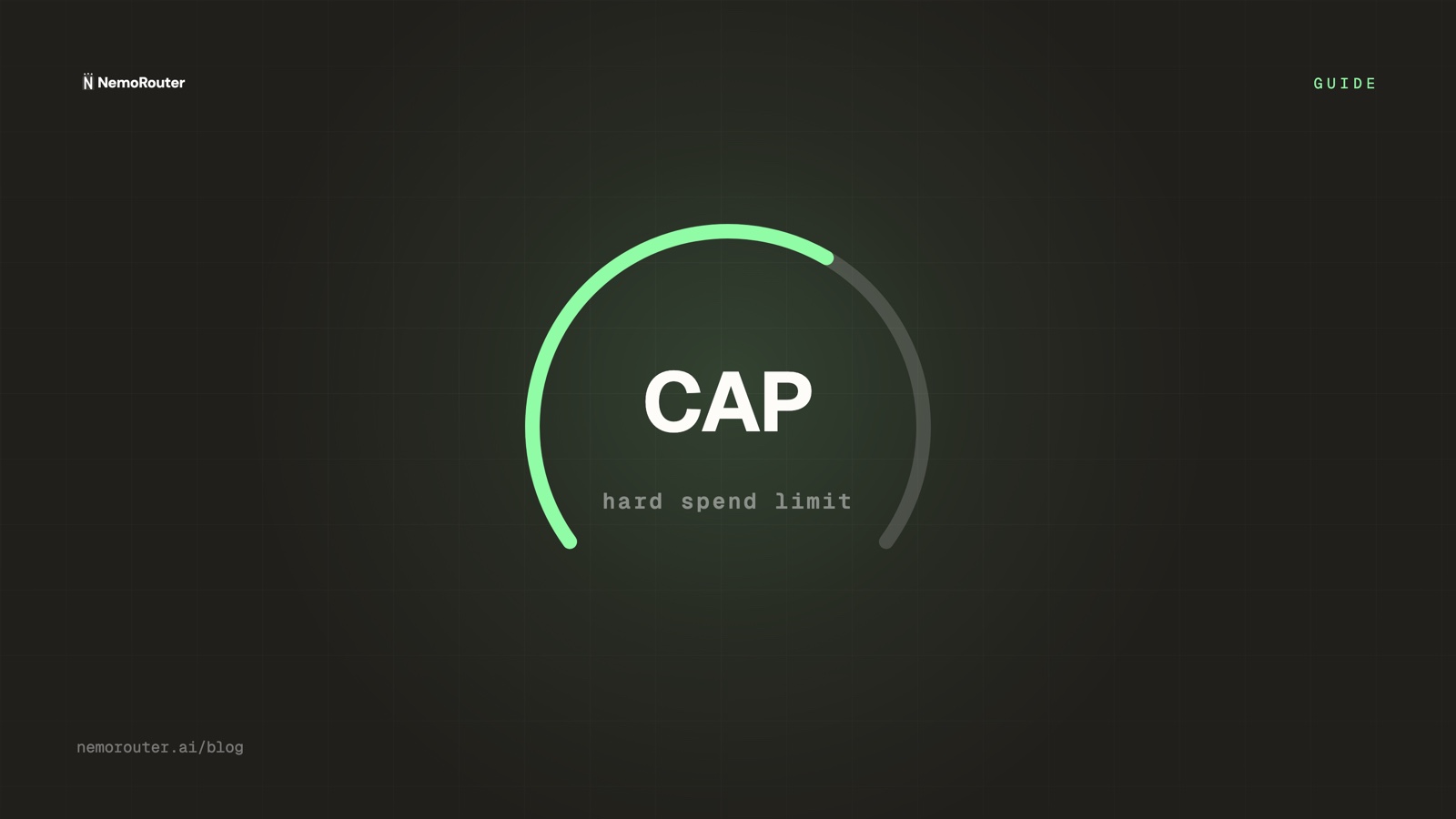
The fix is not "watch a dashboard more carefully." The fix is a gateway that refuses to spend past a number you set. This guide walks through how spend limits work on NemoRouter: hard caps that return 429, soft thresholds that alert, and the reserve-and-settle accounting that makes the cap exact rather than approximate.
Why are LLM bills so easy to blow?
Three properties of LLM traffic make runaway spend unusually common:
- Requests are cheap to issue, expensive to serve. A
forloop with no exit condition can emit thousands of completions before anyone notices. - Cost is variable per call. Token counts swing by orders of magnitude, so "requests per minute" is a poor proxy for dollars per minute.
- Keys travel. A virtual key pasted into a notebook, a CI job, or a client-side bundle is a key that can be used by someone you did not intend.
Rate limits (RPM/TPM) help, but they cap throughput, not money. You need a control whose unit is the dollar.
Hard caps vs soft alerts: what's the difference?
NemoRouter separates the two on purpose, because they answer different questions.
| Control | Unit | What happens at the line | Use it for |
|---|---|---|---|
| Soft alert | % of budget | Notification fires, traffic continues | Early warning — "you're at 80%" |
| Hard cap | dollars | Request returns 429, spend stops | The ceiling you never want to cross |
| Rate limit | RPM/TPM | Request returns 429 | Throughput abuse, not total cost |
A budget can have both: alert at 80%, hard-stop at 100%. The soft threshold buys you time to react; the hard cap guarantees you never have to.
Where can a budget live?
Spend limits are most useful when they match how you actually delegate. NemoRouter lets a budget attach at three scopes:
- Org — the whole account. The backstop that protects the bill.
- Team — a squad, a product line, or a customer if you resell. Keeps one team's experiment from eating another's headroom.
- Key — a single virtual key. The tightest blast radius: scope the key to a job, cap the key, and a leak costs at most the cap.
org budget          $5,000 / mo   ← protects the invoice
 └─ team "agents"   $1,200 / mo   ← protects sibling teams
     └─ key "nightly-batch"  $50 / day   ← protects against a runaway loop
Each scope is enforced independently and in parallel. A request must pass every budget it falls under — the most restrictive one wins.
How does the gateway make the cap exact?
This is where most "spend limit" features quietly cheat. If a gateway only checks spend after a call returns, a burst of concurrent requests can all pass the check at once and blow past the cap together. NemoRouter avoids that with a reserve-and-settle pattern on every LLM call:
1. reserve   → estimate the call's max cost, hold it against the budget
2. forward   → send the request to the provider
3. settle    → replace the estimate with the provider's real cost;
               release the difference
   (on any failure) → release the full reservation
Because the reservation happens before the upstream call, two concurrent requests cannot both "fit" under the last dollar of a budget — the first reserves it, the second sees an empty budget and gets 429. The cap holds even under a stampede. (We go deep on this in Reserve-and-settle: never overspend a credit balance.)
Setting a spend limit, step by step
Create the budget
Open Budgets in the dashboard, choose the scope (org / team / key) and a window — daily, weekly, monthly, or yearly. Daily caps are the right default for batch jobs; monthly for product lines.
Set the hard cap and a soft threshold
Enter the dollar ceiling and a soft percentage (80% is a sensible default). The soft line alerts; the ceiling blocks.
Connect an alert channel
Under Alert Channels, wire email, Slack, Teams, or a webhook. Soft-threshold and cap-crossed events both dispatch here, so the people who can act find out in seconds, not at month-end.
Prove it with traffic
Send requests on the scoped key until the soft alert fires, then until the cap returns 429. Confirm the ledger stopped at the cap and nothing was billed past it.
What does a blocked request look like?
When a budget is exhausted, the gateway returns a standard 429 with a machine-readable body, so your client can back off or fail the job cleanly instead of retrying into a wall:
{
  "error": {
    "type": "budget_exceeded",
    "message": "Budget cap reached for scope 'key:nightly-batch'",
    "scope": "key",
    "code": 429
  }
}
Handle it the same way you'd handle a rate limit: stop, surface the cap to the operator, and resume after the window resets or the budget is raised. The API docs cover the retry-and-backoff pattern for budget and rate-limit responses.
Spend limits are a safety system, not a billing feature
The point of a hard cap is not to track money — your ledger already does that. The point is that the worst case is bounded. A leaked key, a bad deploy, an agent that forgets to stop: each one costs at most the cap you set, and someone gets alerted on the way there.
Set a daily cap on every automated key. Set a monthly cap per team. Set an org cap as the final backstop. Then the next time something goes wrong at 3 a.m., the gateway has already handled it.
Ready to set one? Budgets live in the dashboard, free on every tier — see pricing and the docs.