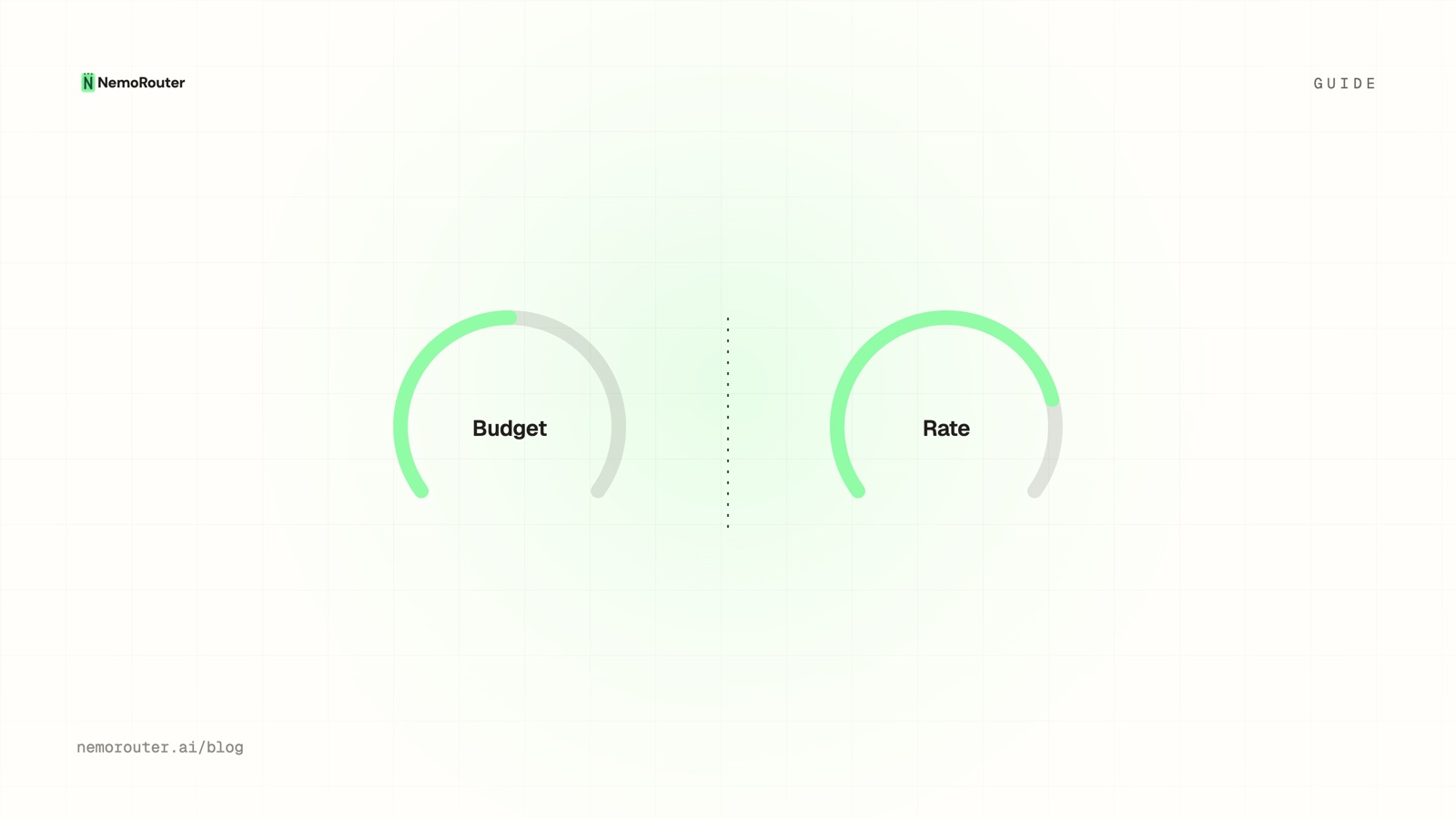
Budgets and rate limits both reject requests with a 429, so they're easy to conflate — and teams often set one, assume they're covered, and discover the gap during an incident. They solve different problems: a budget bounds total dollars over time, a rate limit bounds velocity right now. This guide is when to reach for each, and why the answer is usually "both."
The one-line difference
BUDGET     caps how MUCH you spend over a window   (dollars / day, month)
RATE LIMIT caps how FAST you go right now          (requests, tokens / minute)
A budget is a slow, cumulative ceiling. A rate limit is an instantaneous throttle. They catch different failures because "too much money over a month" and "too many requests this second" are different emergencies.
When a rate limit is the right tool
Reach for a rate limit (RPM/TPM) when the risk is velocity:
- A runaway agent loop firing hundreds of calls a minute — caught in seconds by RPM, long before a daily budget would notice.
- A leaked key being hammered from the open internet — RPM bounds the per-minute damage immediately.
- One tenant's burst starving others — a rate limit protects shared capacity.
Rate limits are also a security boundary: they're not request-overridable, so a compromised client can't lift its own throttle.
When a budget is the right tool
Reach for a budget when the risk is total cost:
- A feature that's just expensive — steady, legitimate traffic that adds up. No rate limit would flag it (it's not fast), but a monthly budget caps the bill.
- Per-team or per-customer spend ceilings — "this team gets $1,000/month" is a budget, not a velocity question.
- Protecting the invoice from slow drift — a budget is the dollar ceiling that means what it says.
A budget wouldn't catch a one-minute runaway fast enough; a rate limit wouldn't catch a slow monthly overspend at all.
The decision table
| The risk | Reach for | Why |
|---|---|---|
| Sudden burst / loop | Rate limit | Catches velocity in seconds |
| Leaked key | Both | RPM bounds per-minute, budget bounds total |
| Expensive-but-steady feature | Budget | Not fast, just costly |
| Per-team/customer ceiling | Budget | A dollar allowance |
| Shared-capacity fairness | Rate limit | Throttle the greedy |
| Protecting the monthly bill | Budget | Cumulative cap |
A leaked key is the case for 'both'
The clearest argument for running both: a leaked key. The rate limit bounds how much damage it does per minute (so it can't drain you in seconds), and the budget bounds how much it can do in total before someone revokes it. One without the other leaves a gap — fast-but-bounded, or slow-but-unbounded. Together they close it.
They're two of the four ceilings
Budgets and rate limits are two of the four independent ceilings every request passes (the others being the credit balance and guardrails). They're independent on purpose: passing one says nothing about the others, so each can be set correctly for the risk it owns. Setting a budget doesn't give you velocity protection; setting a rate limit doesn't protect the monthly total. Set both, deliberately.
The takeaway
Budgets and rate limits look alike (both 429) and solve opposite problems: budgets bound cumulative dollars, rate limits bound instantaneous velocity. Use a rate limit for bursts, loops, and shared-capacity fairness; use a budget for expensive-but-steady spend and per-scope dollar ceilings; use both for anything where a key could leak. They're complementary controls, not substitutes — configure each in the dashboard for the risk it actually addresses.