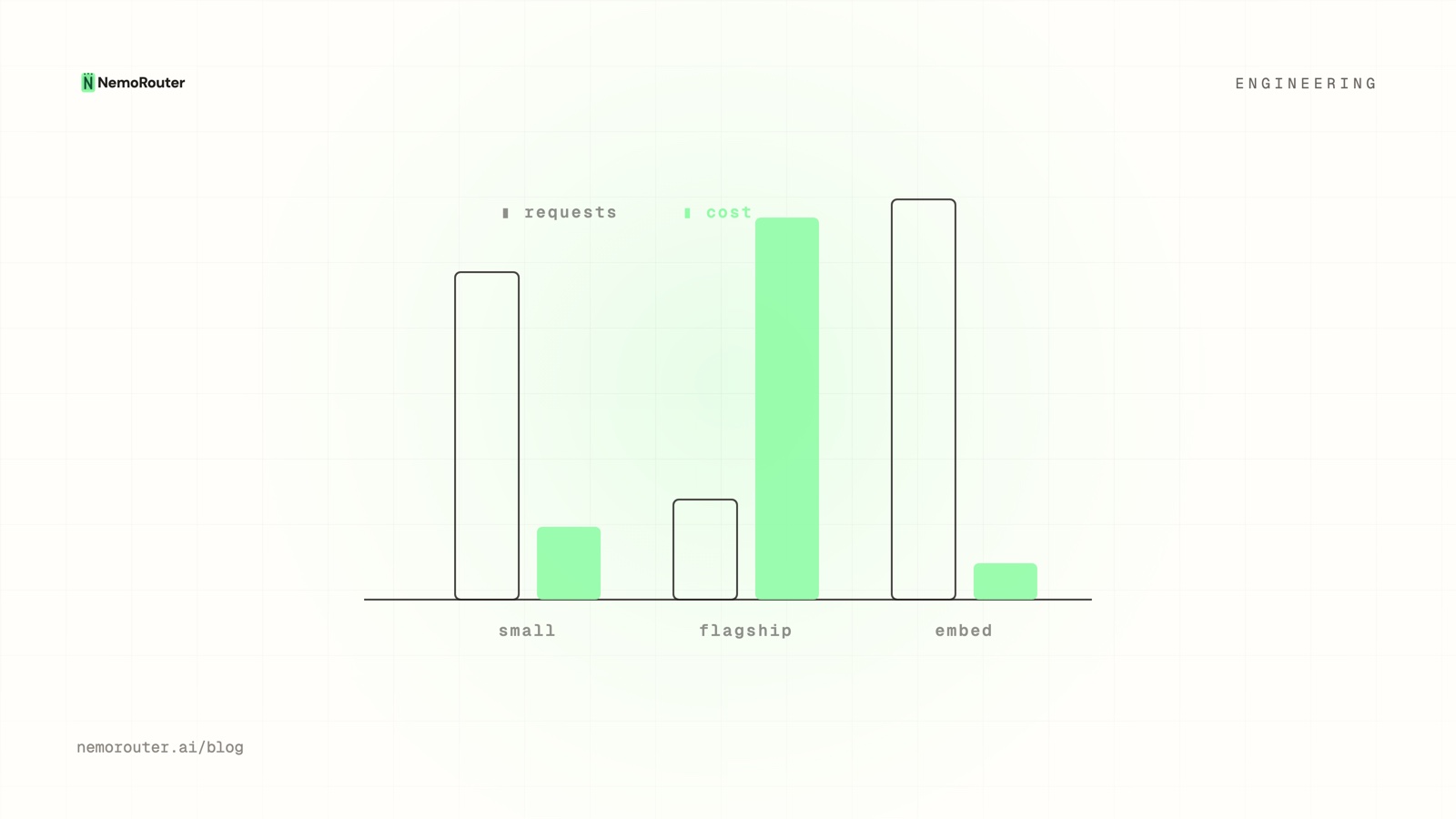
Budgets cap how much you spend over a window. Rate limits cap how fast you can go right now. They're easy to conflate and they protect against completely different failures: a budget stops a slow, steady overspend; a rate limit stops a sudden burst from a runaway loop or a leaked key before it can do damage. This post is how RPM/TPM limits work across scopes — and why, unlike a budget, the caller can never turn them off.
RPM vs TPM: two velocities
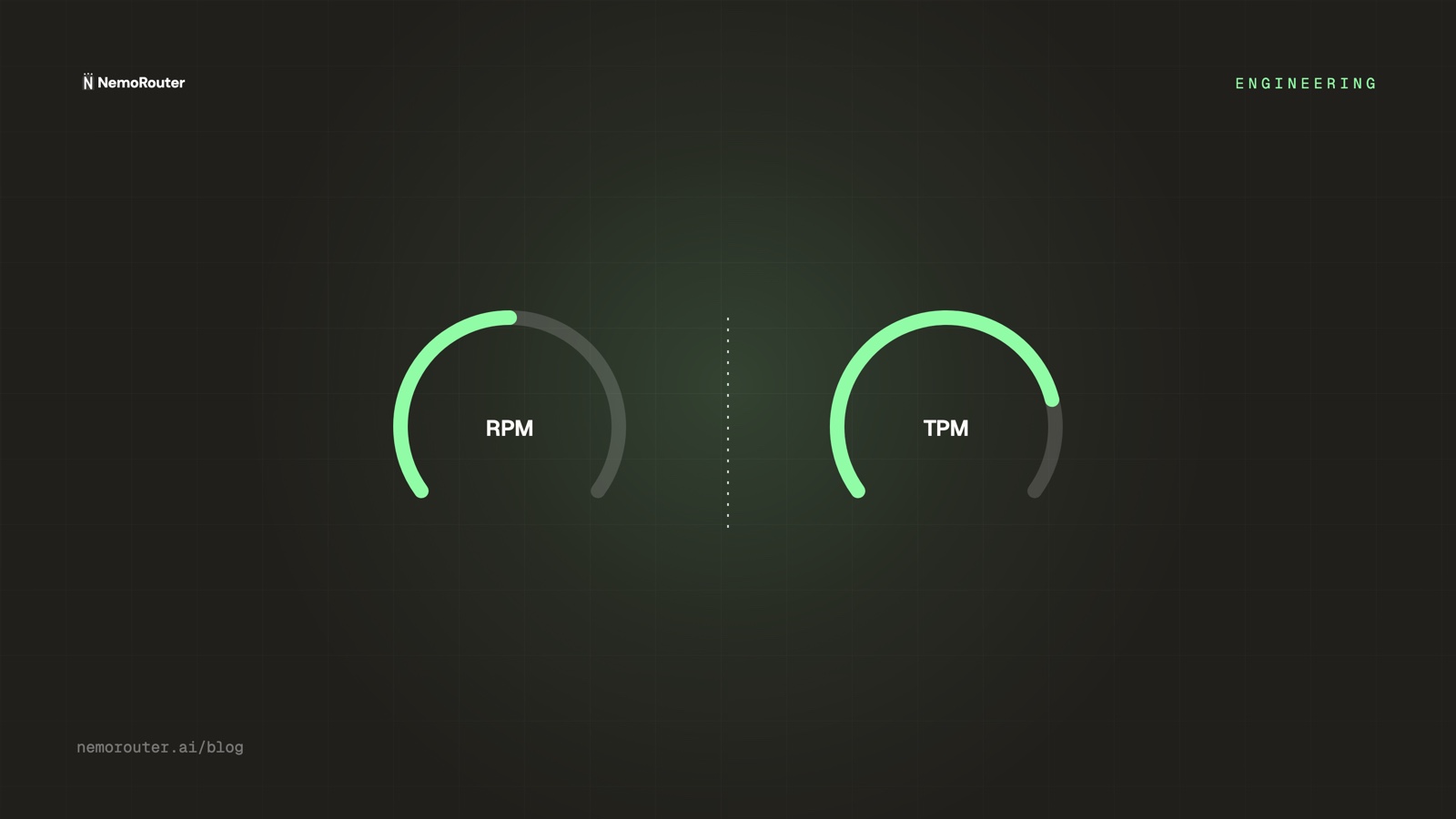
LLM traffic has two natural units of "too fast," and you need both:
- RPM (requests per minute) — caps how many calls. Stops a tight loop hammering the gateway with many small requests.
- TPM (tokens per minute) — caps how much work. Stops a few huge-context requests from consuming disproportionate capacity even at low RPM.
Either alone has a blind spot: RPM-only lets a handful of enormous prompts through; TPM-only lets a flood of tiny requests through. Together they bound both the count and the size of what flows per minute.
RPM 60, TPM 90_000
  ├─ 60 small requests/min      → RPM-bound
  └─ 6 requests × 15k tokens/min → TPM-bound
both ceilings enforced simultaneously; whichever you hit first throttles you
Scoped per key, team, and org
Like the rest of the gateway, rate limits attach at three scopes, and a request must satisfy all of them:
| Scope | Protects | Example |
|---|---|---|
| Key | Blast radius of one key | A leaked sk-nemo-* capped at 60 RPM |
| Team | One team's share of capacity | A squad's combined keys |
| Org | The whole account | Total throughput ceiling |
A request passes only if it's under the key limit and the team limit and the org limit. The tightest applicable ceiling wins — so a generous org limit doesn't let one over-eager key starve the rest.
Why rate limits are NOT request-overridable
Here's the critical design choice: a caller cannot raise or bypass a rate limit by passing a field in the request. This is deliberate, and it's a security property.
A limit the caller can lift isn't a limit
If a request could include "rpm_limit": 100000, then a leaked key — or a compromised client bundle — could simply ask for no limit, and the throttle that was supposed to contain the blast radius evaporates exactly when you need it. Rate limits are enforced from server-side configuration tied to the authenticated key, never from anything in the request body.
Contrast this with per-request feature flags (which guardrails to run, whether to use cache) — those are safe to expose because the worst case is a slightly different response. A rate limit's worst case is unbounded abuse, so it lives on the other side of the boundary. (Same reasoning applies to A/B assignment and spend authorization.)
Rate limits vs budgets: pick the right tool
They're complementary, not redundant:
- A runaway agent loop is caught by RPM in seconds — long before a daily budget would notice.
- A slow, steady overspend (a feature that's just expensive) sails under any rate limit but is caught by a budget cap.
- A leaked key is contained by both: RPM bounds the per-minute damage, the key's budget bounds the total.
Set rate limits for abuse and bursts; set budgets for total cost. A gateway needs both because "too fast" and "too much" are different emergencies.
What a throttled request returns
A rate-limited request returns 429, the same status family as a budget block but distinguishable by its body, so clients can back off appropriately:
{
  "error": {
    "type": "rate_limit_exceeded",
    "limit": "rpm",
    "scope": "key",
    "retry_after_seconds": 12
  }
}
A well-behaved client honors retry_after_seconds and backs off; it doesn't hammer the limit, which only deepens the throttle.
The takeaway
Rate limits are the velocity ceiling that complements the spend ceiling: RPM and TPM together bound both the count and size of per-minute traffic, enforced across key/team/org with the tightest winning, and — crucially — never liftable from the request body, because a limit the caller can override is no limit at all. Pair them with budgets and a leaked key is contained on both axes. Configure limits per key in the dashboard.