Prompts are code that lives in strings, and teams treat them like neither code nor config. They get hardcoded inline, copy-pasted across services, and edited in a hurry — so a prompt fix means a code change, a review, and a deploy, and a bad prompt means an incident with no quick rollback. Server-side prompt templates move prompts to where they can be managed like the operational assets they are: edited, versioned, rolled back, and tested without touching application code.
The problem with inline prompts
When a prompt is a string literal in your service, three things are true and all of them are bad:
- Changing it requires a deploy. A one-word fix to a system prompt ships through your whole CI/CD pipeline.
- There's no history. "What did the prompt say last Tuesday when quality dropped?" is unanswerable.
- It drifts across call sites. The same logical prompt exists in three services with three small differences nobody intended.
Prompts change far more often than the code around them — they're tuned constantly. Coupling that cadence to your deploy cadence is a mismatch that slows everyone down.
Templates: prompts as referenced assets
A prompt template is a named, server-stored prompt with placeholders, referenced by id from the request instead of inlined:
client.chat.completions.create(
    model="claude-sonnet-4-6",
    messages=[{"role": "user", "content": user_input}],
    extra_body={
        "metadata": {
            "nemo_prompt_template_id": "support-triage",
            "nemo_prompt_variables": {"product": "NemoRouter", "tone": "concise"}
        }
    },
)
The application sends which template and what variables; the gateway resolves the current version, fills the placeholders, and forwards the assembled prompt. The prompt text now lives in one place, editable without a redeploy, shared across every service that references the id.
Versioning: edit safely, roll back instantly
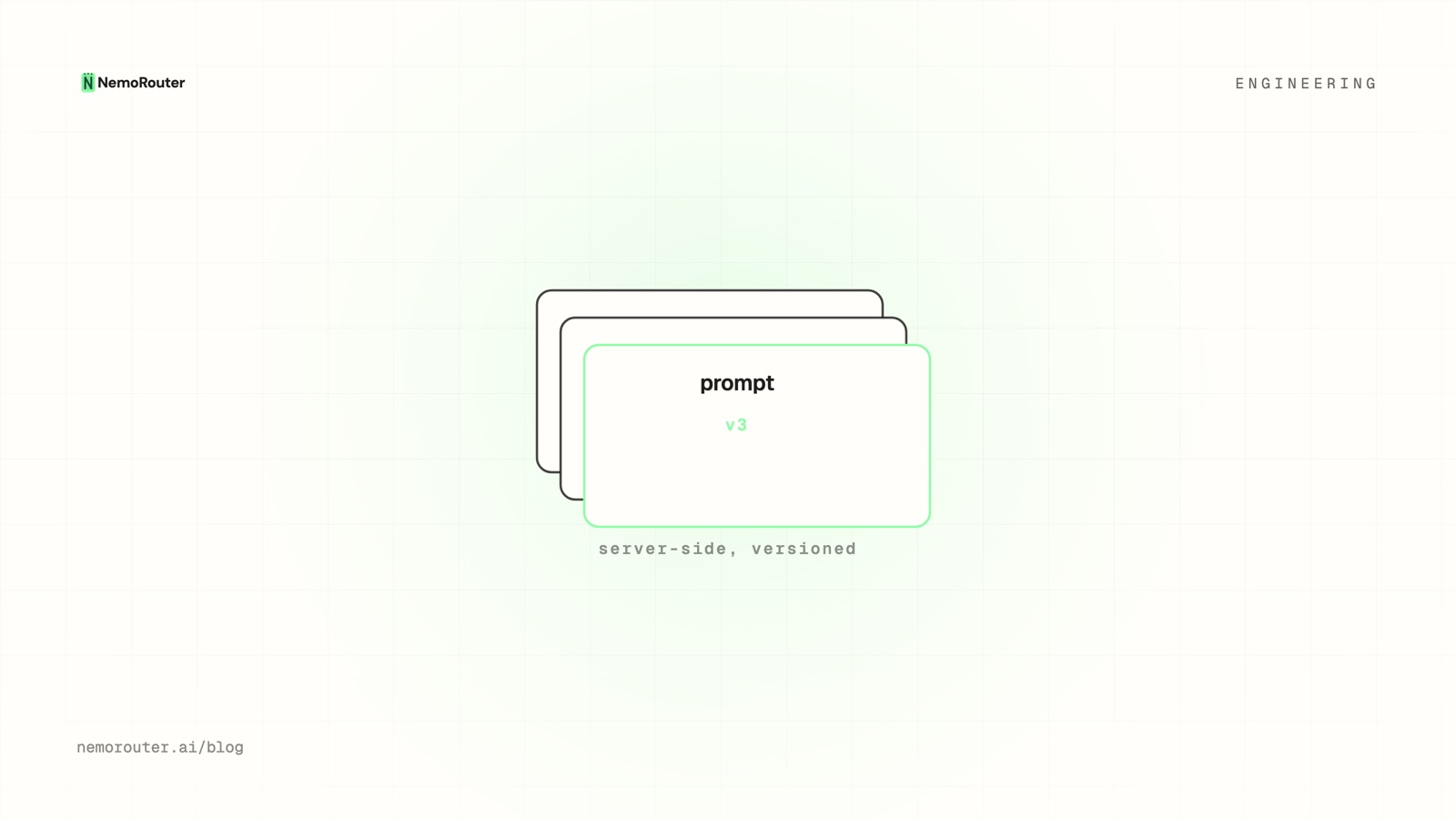
Every save creates a new version rather than overwriting — so the template carries its own history:
support-triage
  v3  (active)   "You are a concise support agent for {product}…"
  v2             "You are a support agent for {product}…"
  v1             "Help the user with {product}."
This buys you the two operations inline prompts can't offer:
- Rollback. A v3 that tanks quality is one click back to v2 — no deploy, no incident bridge. The version that was good is still right there.
- Audit. "Quality dropped Tuesday" maps to "v3 went active Tuesday." Cause and effect, visible.
Versioning makes prompt changes reversible
The single biggest reason to version prompts isn't history for its own sake — it's that a reversible change is a safe change. When rolling back a prompt is instant and deploy-free, you can iterate aggressively, because the cost of a bad prompt is seconds, not an incident.
Templates + A/B testing
Because the prompt is referenced, not inlined, you can point an A/B test at two versions of a template and measure which performs better on real traffic — deterministically, per user. "Is the revised system prompt actually better?" stops being a vibe and becomes a number. Promote the winner to active; the losing version stays in history in case you change your mind.
Per-request override, org default off
Templates are opt-in per request: a call either references a template id or sends raw messages as usual. There's no surprise prompt injected into calls that didn't ask for one. This keeps the seam predictable — the gateway only assembles a template when you explicitly point at one, and the nemo_* fields are stripped before the request is forwarded upstream so the provider only ever sees the final assembled prompt.
The takeaway
Prompts deserve the same treatment as the rest of your operational config: one source of truth, full version history, instant rollback, and the ability to A/B a change before committing it. Server-side templates give you that — edit a prompt without a deploy, roll back a bad one in seconds, and prove an improvement with a real experiment. Manage them under Prompts in the dashboard.